محرر صور بالذكاء · iPhone
محرر صور بالذكاء الاصطناعي بلمسة واحدة. امسح أي شيء.
ارسم فوق الأشياء أو الأشخاص أو النصوص أو العلامات المائية. غيّر الخلفية وحسّن كل لقطة — كل ذلك من iPhone.
How it works
Paint. Tap. Done.
Three moves and your photo is clean. No account required to try.
Pick a photo
Import from your camera roll or take a shot in the app.
Step 1Brush the mess
Scrub over anyone or anything you’d rather not see.
Step 2Save the clean version
Export a full-resolution copy and share it anywhere.
Step 3
Real edits
See it before you download it.
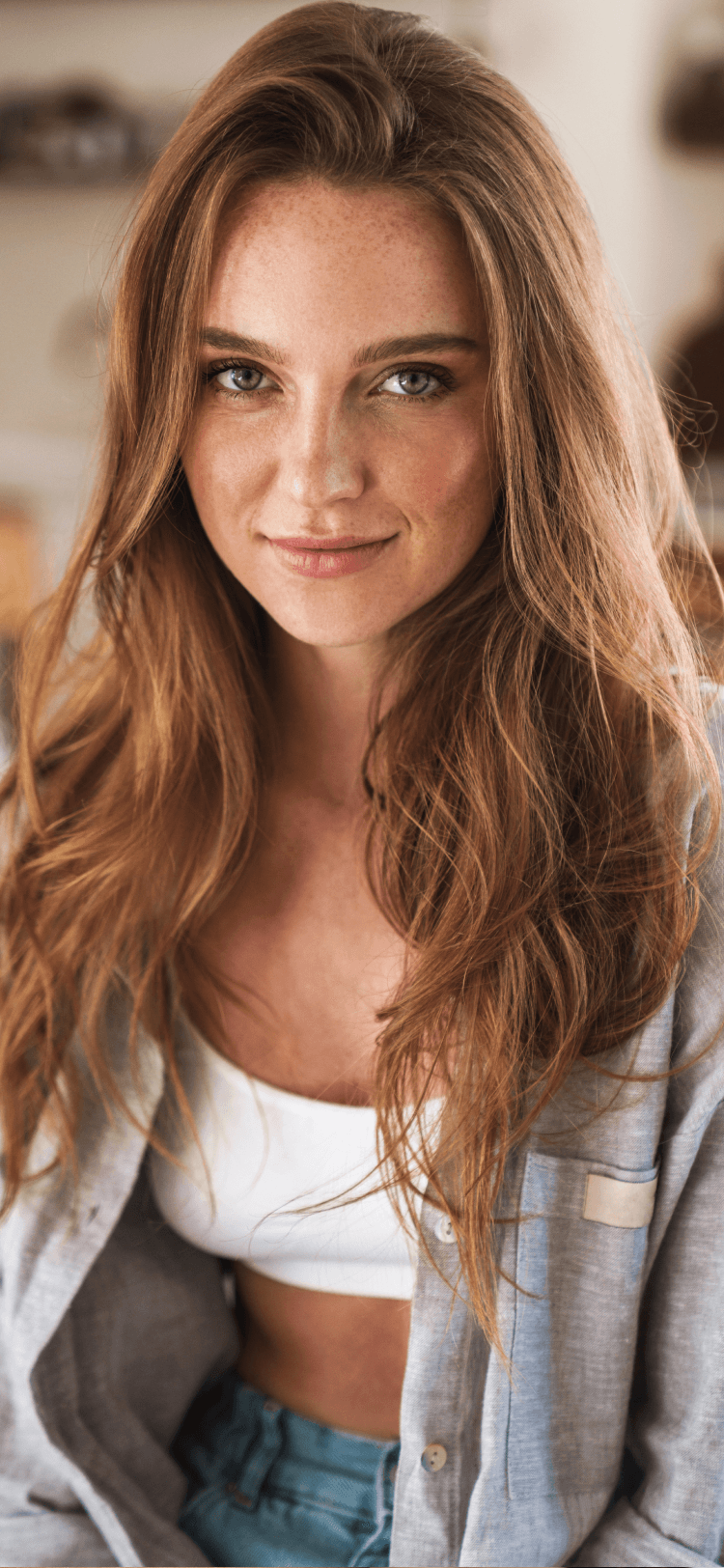
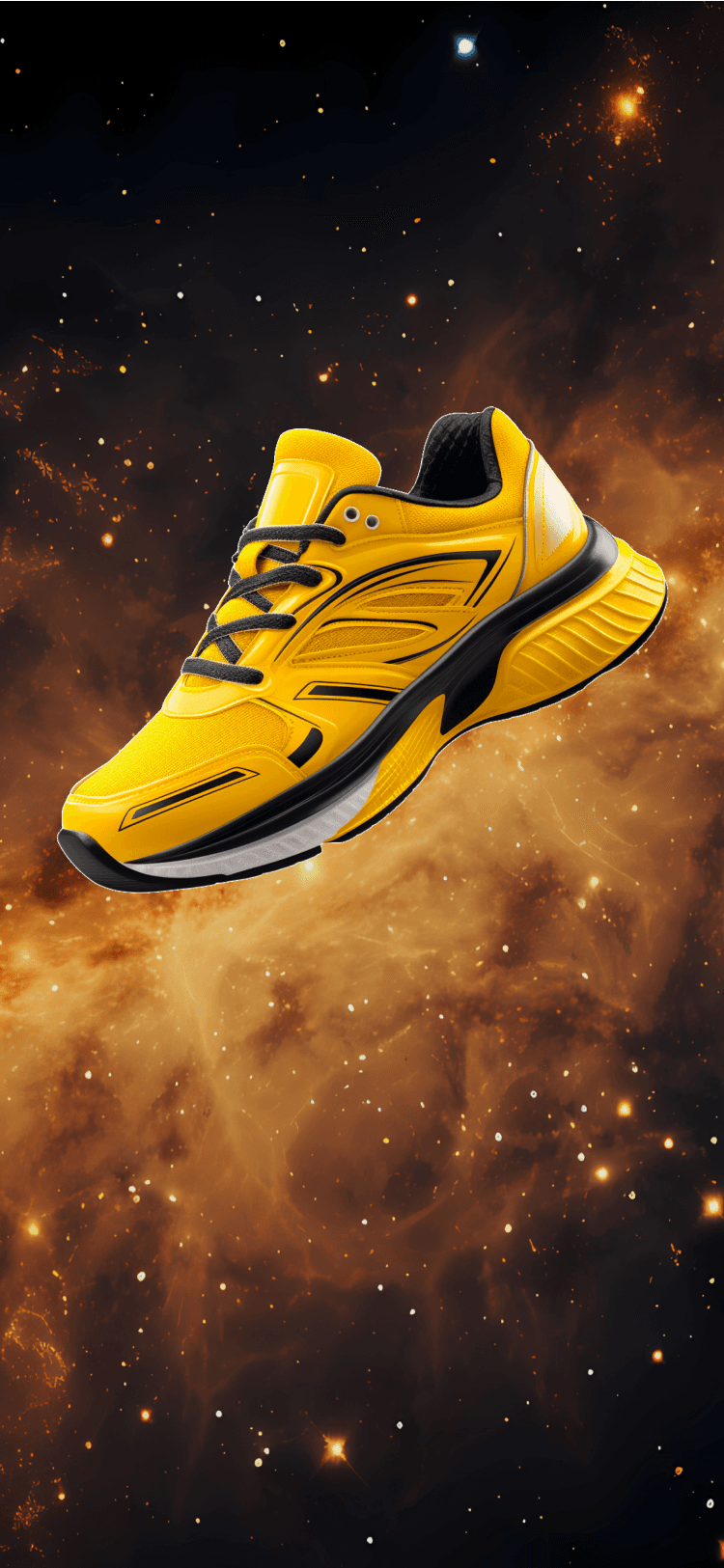
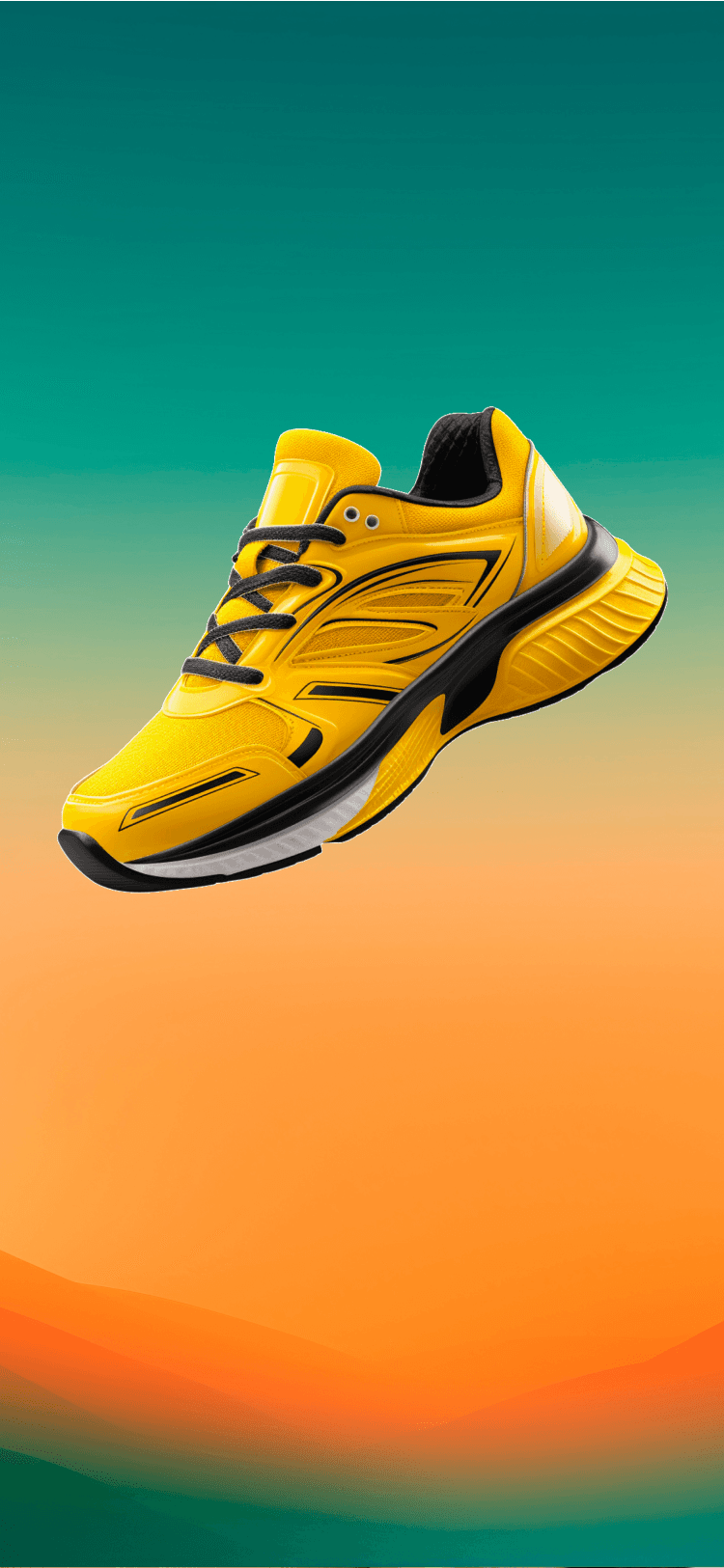
Slide to compare. Each example was made in the Magic Retouch app on iPhone.
Pricing
Free to try. Pro when you’re ready.
- Free to download from the App Store
- Pro unlocks unlimited access to all AI tools
- Latest App Store price on your device
- Files stay on your device unless you choose an online AI tool
Common questions
Answers before you install.
- You paint over what you want gone, then tap to let the AI complete the edit. Processing time varies with the photo, tool, device, and connection.
- Some AI tools require an internet connection to process your edit. Check the app’s privacy information and our privacy policy for current photo-processing details.
- The App Store compatibility section shows the current iOS and device requirements before you install.
- Magic Retouch can help clean up product and client photos. For commercial licensing questions, contact our support team before relying on it for paid work.
- Pricing is set by the App Store and can vary by region and promotion. Tap Get the app to see the current price on your device.
ميزات ذات صلة
Remove background
Isolate subjects with clean, high-detail edges — hair and all.
Remove objects
Brush over anything. AI fills the space so it looks like it was never there.
Enhance photos
Sharpen detail, fix lighting, and bring old photos back to life.
Remove people
Erase strangers, tourists and photobombs from your best shots.
Get Magic Retouch
نظّف صورك في ثوانٍ.
Download Magic Retouch for iPhone and edit your first photo before your coffee cools.