Mejorar fotos · iPhone
Fotos más nítidas. En un toque.
Corrige el desenfoque, amplía fotos pequeñas y recupera escaneos antiguos con detalle real.
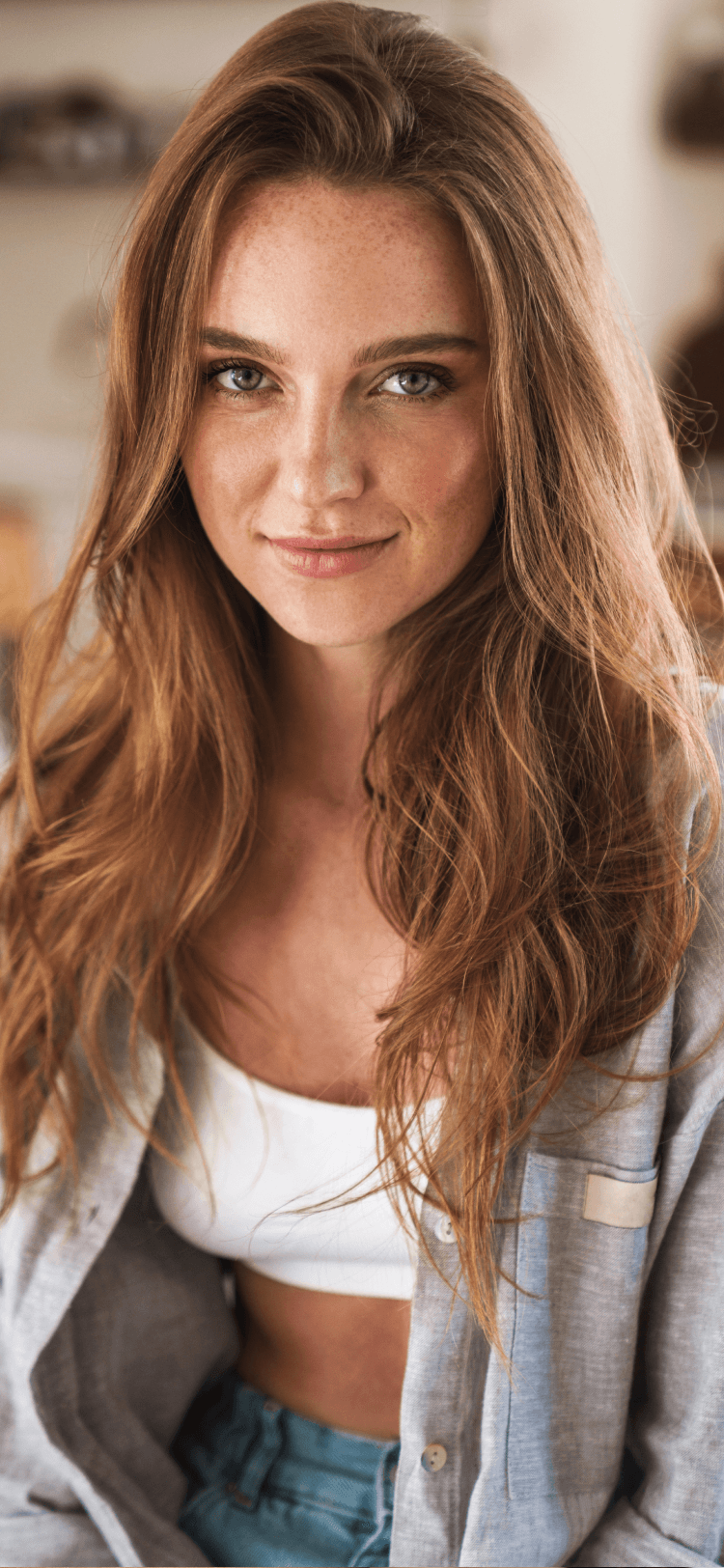
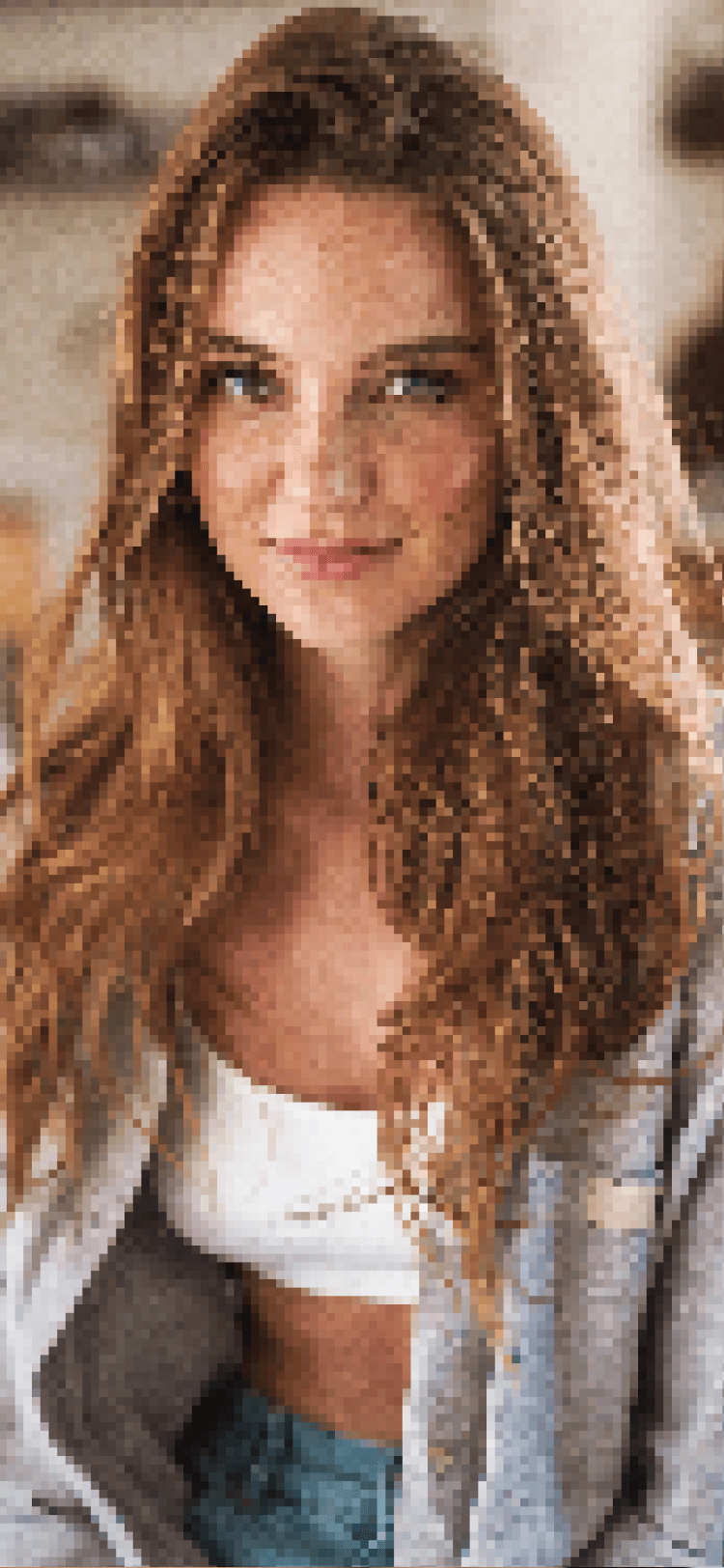
Enhance in three moves
Pick, enhance, save.
Pick the photo
Choose the blurry, small, or grainy photo you want to fix.
Step 1Tap enhance
The AI rebuilds detail while keeping skin, hair, and eyes looking natural.
Step 2Compare and save
Slide before/after to check the result, then export at full resolution.
Step 3
Use it for
Photos you thought were unusable.
Old family photos
Bring scanned prints and slides back to life with cleaner detail and better tones.
Screenshots from social
Upscale a downloaded photo so it prints or displays without visible pixelation.
Low-light phone shots
Recover detail in shadows and remove noise from indoor and evening photos.
Faces and portraits
Sharpen eyes and hair without turning skin into plastic or removing pores.
Real estate photos
Clean up interiors so listings feel bright, sharp, and current.
Marketplace photos
Make used items look sharp and honest so buyers trust the listing.
How it stays realistic
Enhance means better — not fake.
- Preserves skin, hair, and eye detail without plastic textures
- Upscales small or downloaded photos while keeping edges clean
- Handles old scans, low-light shots, and screenshots
- Slide-to-compare before/after so you know exactly what changed
- Save the enhanced photo at original resolution
Photo enhancer — common questions
- Yes. The AI enlarges photos and reconstructs detail so they look sharper at bigger sizes.
- Enhancement is tuned to preserve real skin texture. If a result looks over-smoothed, try a lower enhancement strength or use Restore for old photos.
- Yes. Restore is designed for scanned prints and slides and handles color fade, scratches, and softness.
- Enhancement usually runs in the cloud so the AI can do the heavy work. Check the app’s privacy details for current processing behavior.
- The app saves enhanced photos at the original resolution (or larger for upscaling).
Funciones relacionadas
Remove objects
Brush over anything. AI fills the space so it looks like it was never there.
Remove background
Isolate subjects with clean, high-detail edges — hair and all.
Remove people
Erase strangers, tourists and photobombs from your best shots.
AI photo editor
The full editor — object cleanup, backgrounds, enhance, and text prompts.
Get Magic Retouch
Devuelve la vida a tus fotos.
Install Magic Retouch and enhance a photo before your first sip of coffee.